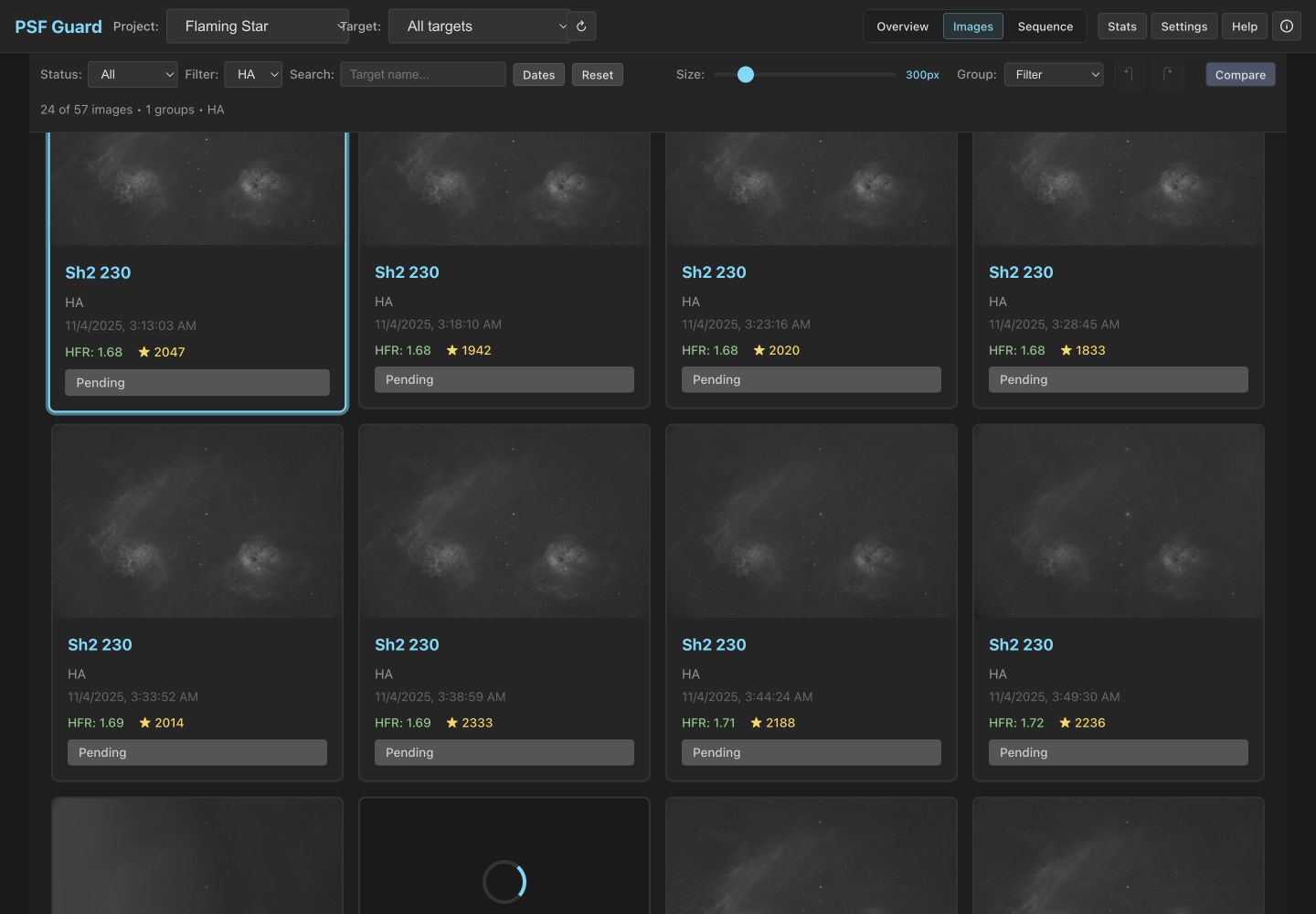
Last week’s check-in covered PSF Guard 0.5: seiza plate solving, astrometry grading, satellite ID, color stack previews. 0.6 changes something more basic — what PSF Guard is. Until now it was a companion: it needed a N.I.N.A. Target Scheduler database to have anything to grade. Now it builds its own.
A catalog from your folders
Point New Database from Images at folders of FITS files and PSF Guard creates a catalog: targets, projects, exposure plans, and shared templates, all derived from the headers. Nearby panels shot on similar dates with matching panel names fold into one mosaic project. The first pass reads headers only — no pixel decoding, no star detection — so a large archive becomes browsable in seconds, and the slower quality analysis fills in later as a background job you can queue now or run whenever.
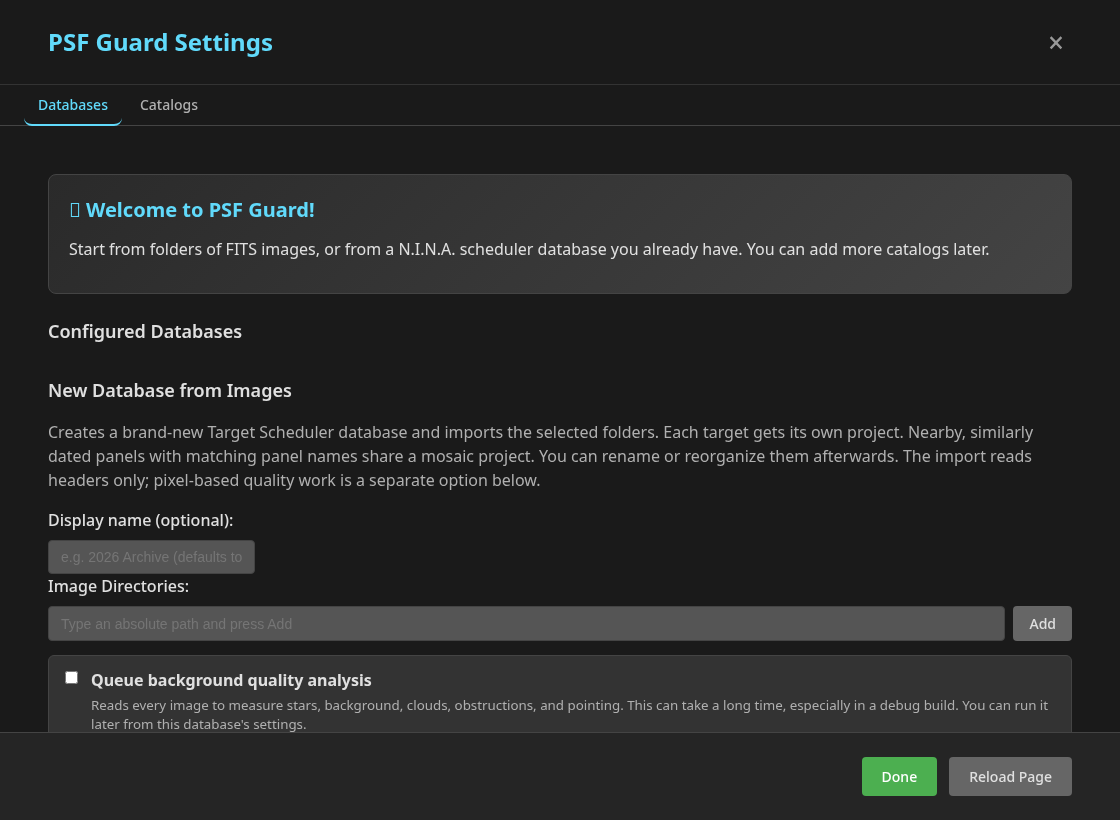
Import also merges into an existing catalog, with a preview of every
change before it writes, and remove-imported undoes an import’s projects
if you regret it. The same scan works from the CLI:
psf-guard create-db ./archive.sqlite /data/lights --name "Archive"
If you already run Target Scheduler, nothing changes — PSF Guard opens that database as before, and a fresh install now offers both starting points on first run.
Calibration frames, cataloged
The same import recognizes BIAS, DARK, DARKFLAT, and FLAT frames
and files them into a calibration library — indexed by rig, where a
rig is a stable identity built from the telescope, camera, sensor
dimensions, and binning. Matching is deliberately strict: PSF Guard only
builds a master from candidates that agree on every required setting, and Settings shows
each rig’s coverage. Raw frames and generated masters stay on disk; the
catalog stores paths, fingerprints, and provenance.
This is what makes the take-out export complete. Export writes your accepted lights as a WBPP-style target/filter tree — rejected frames never enter it — and when the library holds a safe match, the export includes the raw calibration folders. Grade in PSF Guard, stack anywhere.
Planning, too
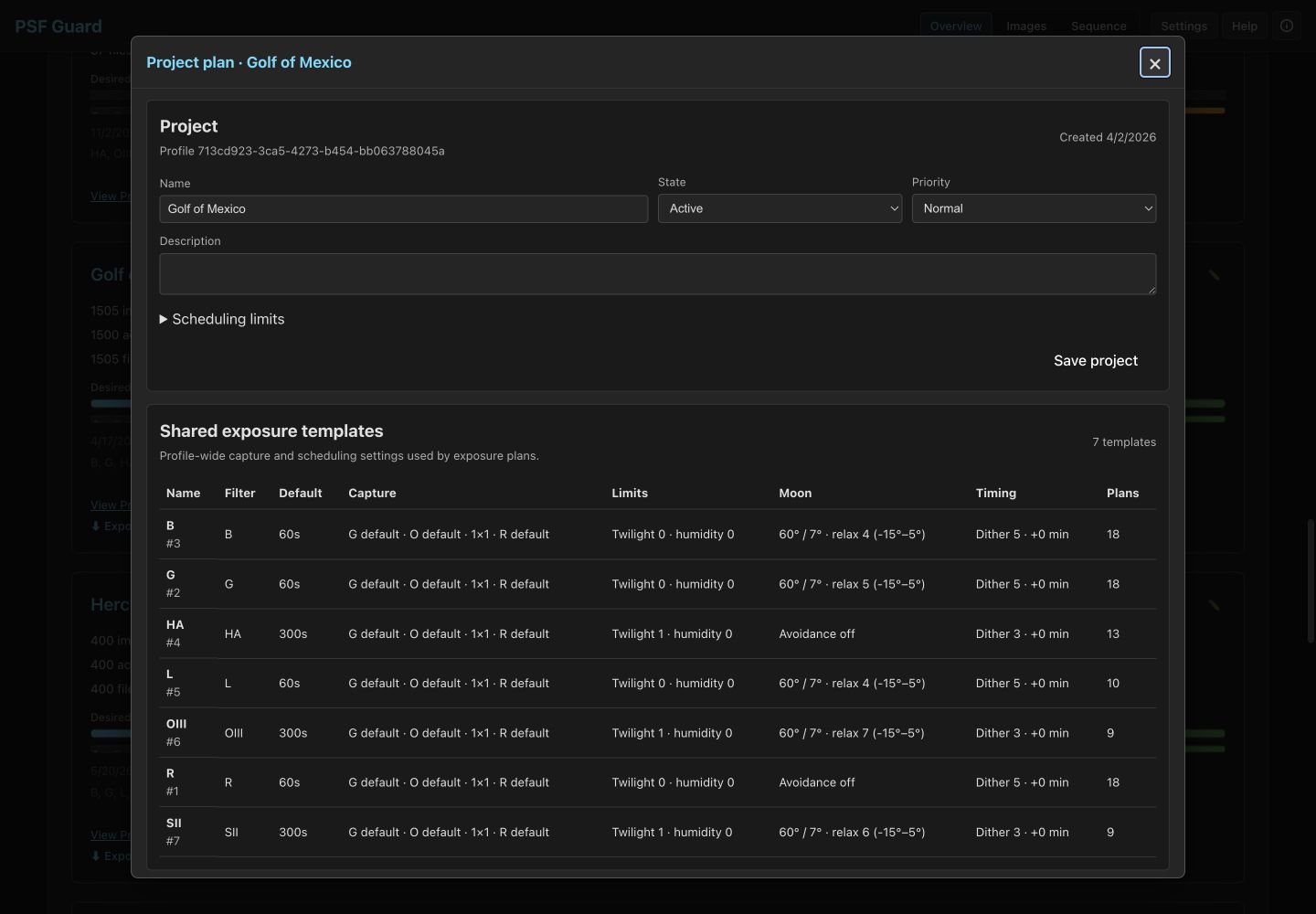
Since PSF Guard can now create scheduler-compatible projects, it also learned to plan them: edit project state and priority, scheduling limits, and the shared exposure templates and per-target plans, right where you review the images.
Sync, with a preview first
Catalogs multiply — one on the telescope machine, one on the desktop where you review. The new Data Transfer workspace moves records between them in one direction at a time: merge projects and captures, send planning, or send reviewed grades. You must review a preview before applying changes, and reviewed grades already at the destination win over incoming ones.
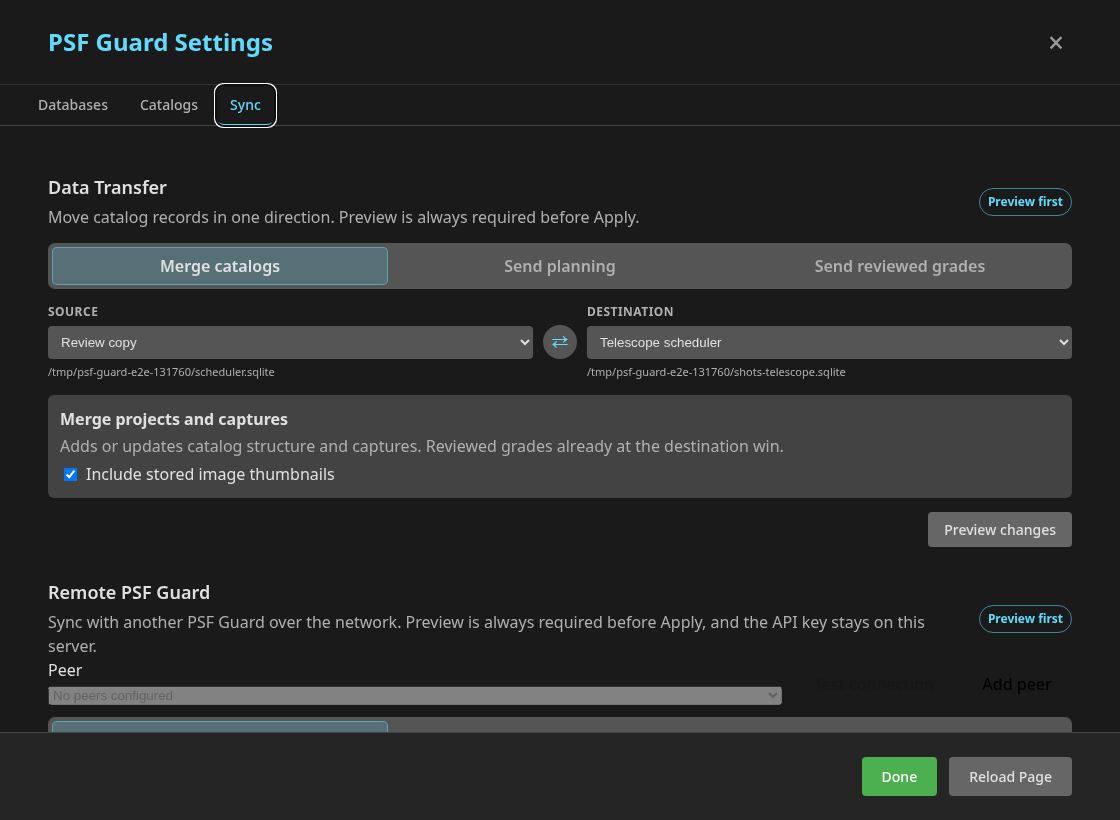
The same moves work over the network between two running PSF Guard servers, images included, through an authenticated sync API — the key stays on the server, the server audits each applied transfer, and PSF Guard ships a client for its own protocol. There’s also authenticated remote FITS ingest, which verifies the database identity and file digests before saving, so a capture box can push frames to the review box as they land.
Signed updates and packaging fixes
Desktop builds now ship signed updater payloads: the app checks a cached release notice, shows what’s new, and installs the update itself — the same signed-manifest pattern as TopoSaic. The private signing key lives only in the release CI.
The 0.6 series also demonstrated why release automation needs practice
runs: 0.6.0’s Windows packaging job failed after GitHub published a
partial release, so 0.6.1 is the first real public build; 0.6.2 renamed
the macOS CLI asset to arm64 (which is what GitHub’s runners actually
build); and 0.6.3 fixed the first-run flow to offer both catalog starting
points. Four tags in five hours. The updater delivered each one.
Smaller things worth having
One-shot-color frames now render in color. Pinch zoom centers on the image and stays inside the viewer. The overview highlights each project’s recent frames with capture ages, and projects group by latest activity with target and project search, keyboard navigation, and multi-select in the grid. Seiza star and astrometry catalogs install and repair from Settings. And image details can reveal the file on disk.
PSF Guard 0.6.3 is on GitHub releases: Windows setup or MSI, macOS DMG, Linux deb, AppImage, or RPM, a stand-alone CLI for each platform, and a Docker image for server mode. Docs and screening deep dives live at psf-guard.com. As always: back up a Target Scheduler database before the first write — though import, export, and sync all preview before they touch anything.